How to Get Your Business Online in Kenya — The Right Order
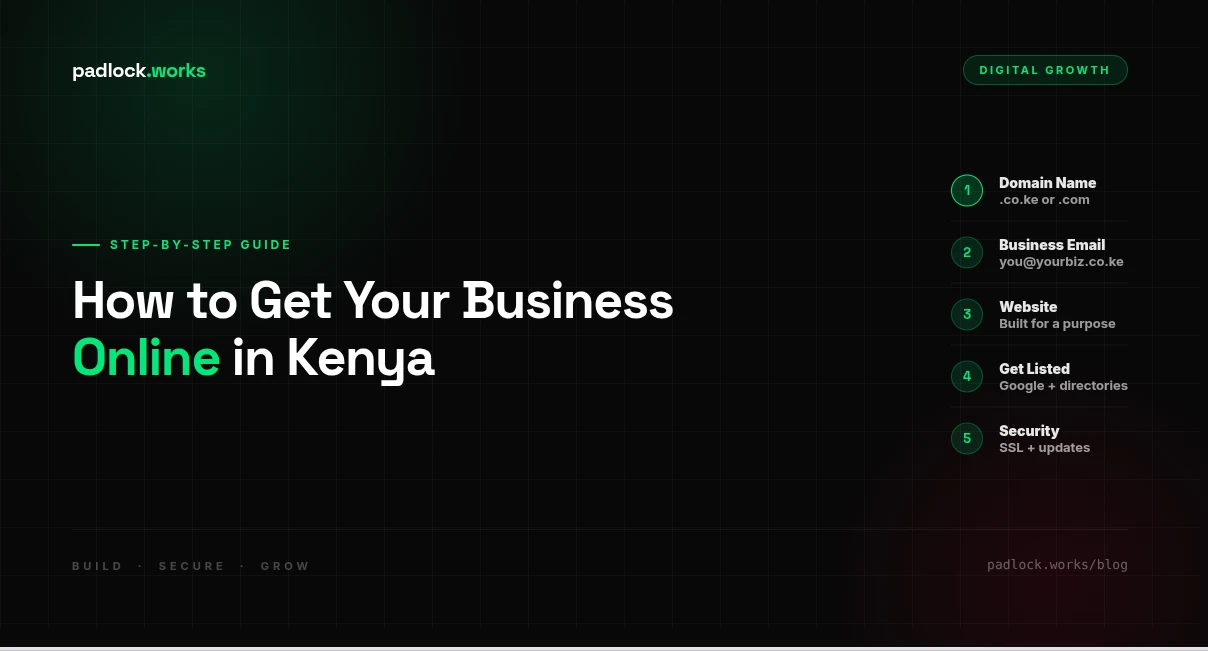
Getting your Kenyan business online in 2026 is not complicated, but it requires doing things in the right order. Most business owners either skip steps and end up with a website no one finds, or spend money on things they didn't need yet. This is the order that actually works.
Step 1 — Register a Domain Name (Ksh 1,000–2,500/year)
Your domain is your address on the internet — yourbusiness.co.ke or yourbusiness.com. A .co.ke domain signals to Kenyan customers you're a local business and ranks better for local searches. Register through a Kenyan registrar like Truehost or KenyaWeb. One rule: your domain must be registered in your name, in an account you control. Never let someone else hold it on your behalf.
Step 2 — Set Up a Business Email
Before you build a website, get a professional email: info@yourbusiness.co.ke. Sending proposals and business cards with a Gmail address costs you credibility before you've said a word. Google Workspace starts at around Ksh 700/month. Most Kenyan hosting packages include basic email at no extra cost.
Step 3 — Build a Website That Has a Purpose
Don't build a website just to "have one." Decide first what it needs to do:
- Help customers find your location and contact you
- Let customers book appointments or place orders online
- Showcase your work or portfolio
- Accept M-Pesa payments directly
The answer determines what kind of site you need and how much it should cost. A 5-page contact site for a salon is very different from an ordering system for a hardware shop.
Step 4 — Get Listed Where Customers Are Already Searching
A website alone won't bring customers. You need to appear where people are already looking:
- Google Business Profile — free, puts you on Google Maps, takes 30 minutes to set up
- Local directories — if you're near Egerton University or in Nakuru County, list your business on padlock.works to reach students and locals searching for verified businesses in your area
- WhatsApp Business — set up a proper business profile with your catalogue, opening hours, and auto-replies
Step 5 — Don't Skip Security
Once you're online, you're a target. Make sure your site has an SSL certificate (https://), your passwords are unique and stored in a password manager, and someone is responsible for keeping software updated. This is not optional — it's the difference between a business asset and a liability.
You Don't Have to Figure This Out Alone
If you want someone to handle the technical side — domain, hosting, website, email, and security — while you run your business, that's exactly what we do.
See what padlock.works builds or get a quote tailored to your specific situation.
Found this useful?
Share it with someone who might find it useful.